

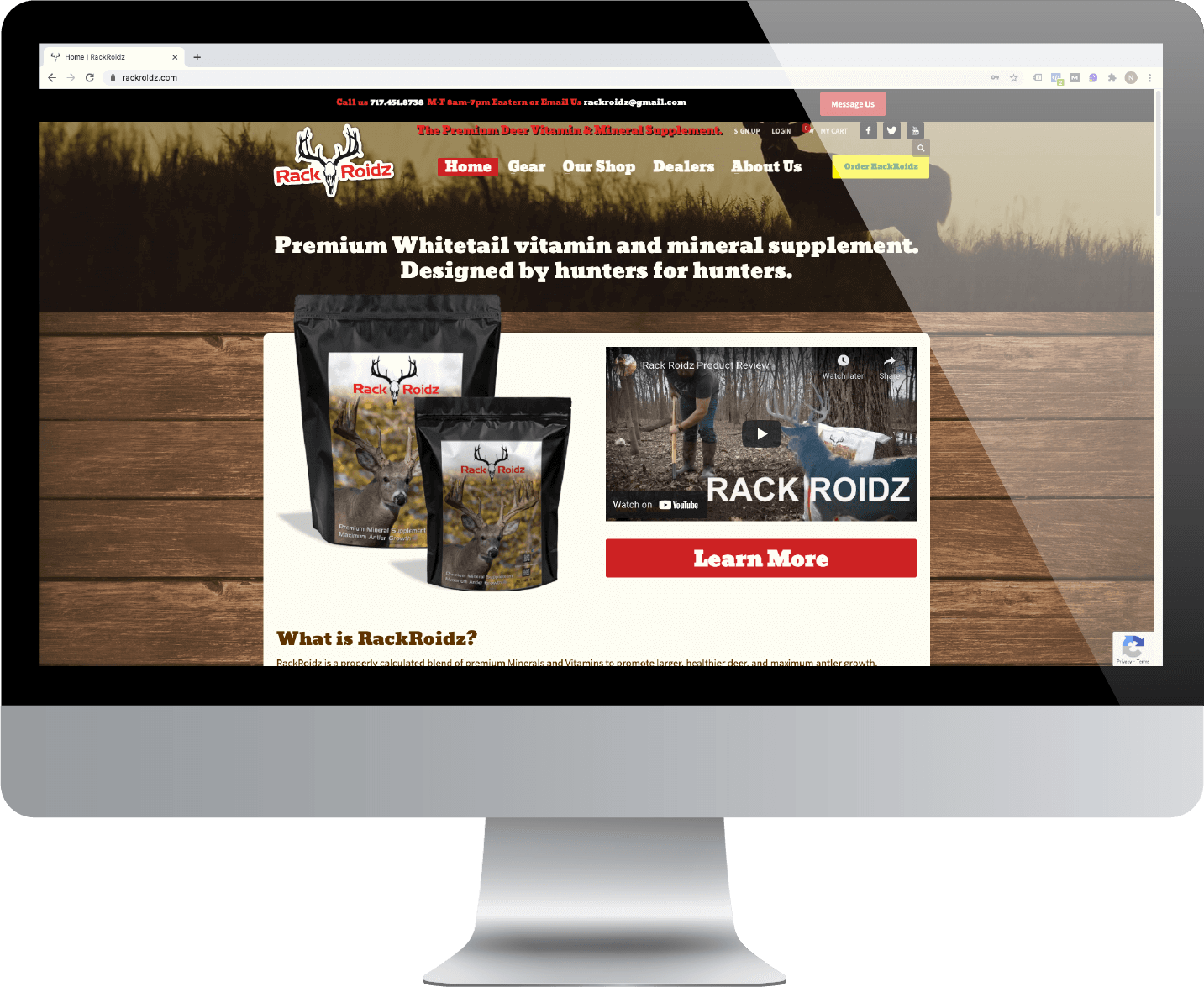


Introducing RackRoidz.com
Tuesday, 02 March 2021
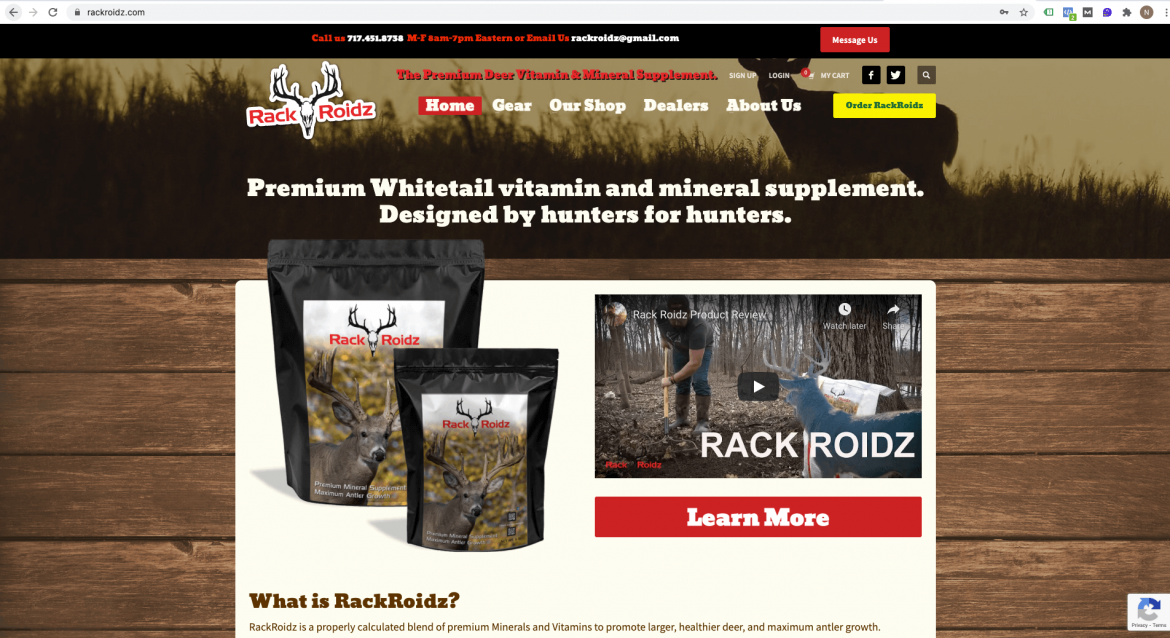
We designed and built rackroidz.com to appeal to their market and move product— and it has. We launched their new site at the end of March 2020. So far in 2021, their new site sales are up 32% over the old site in the same period last year. Conversion rate: Conversion rate is the percentage
- Published in RackRoiz
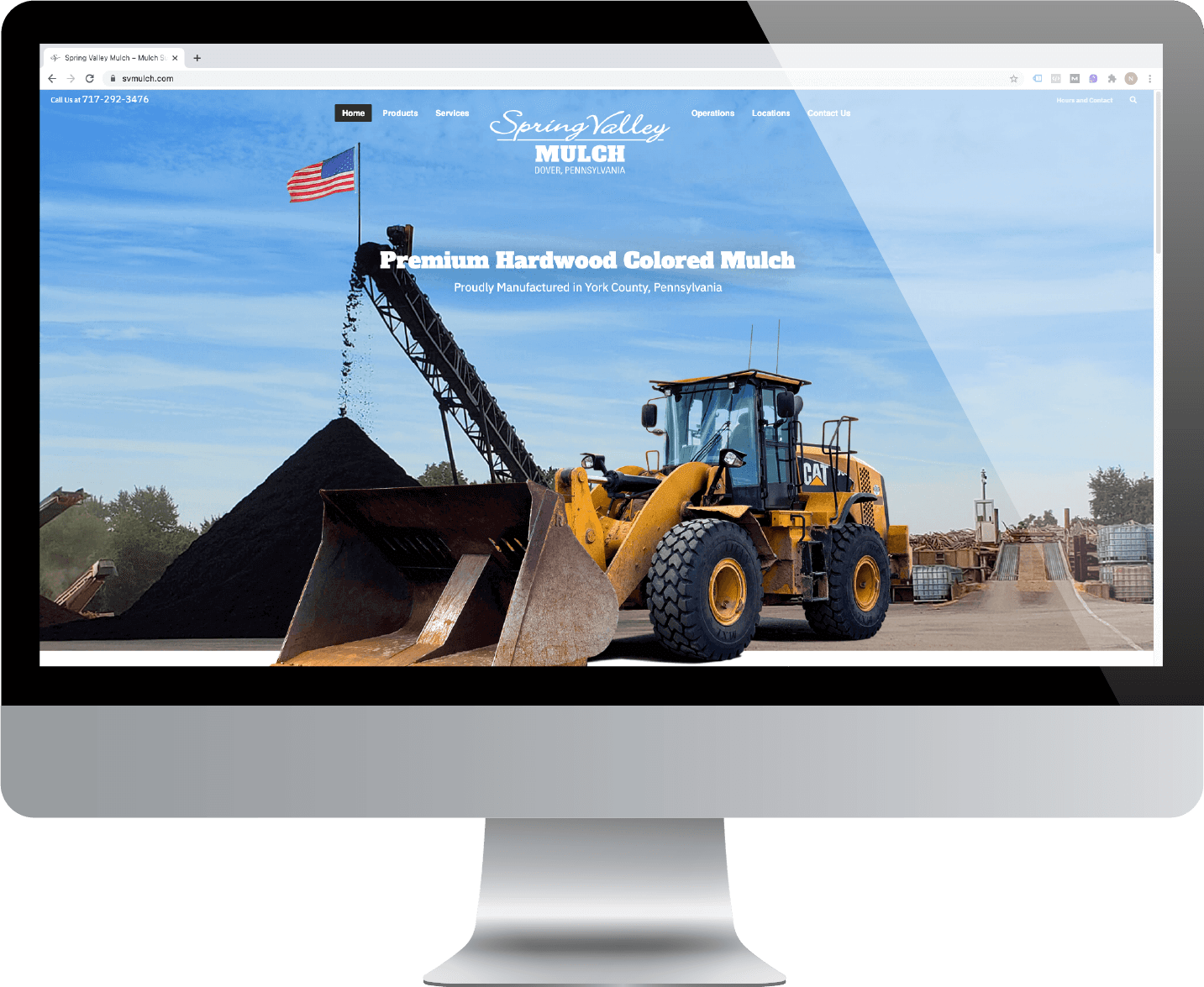
Spring Valley Mulch chose York Web Tech for their new site design!
Monday, 01 March 2021
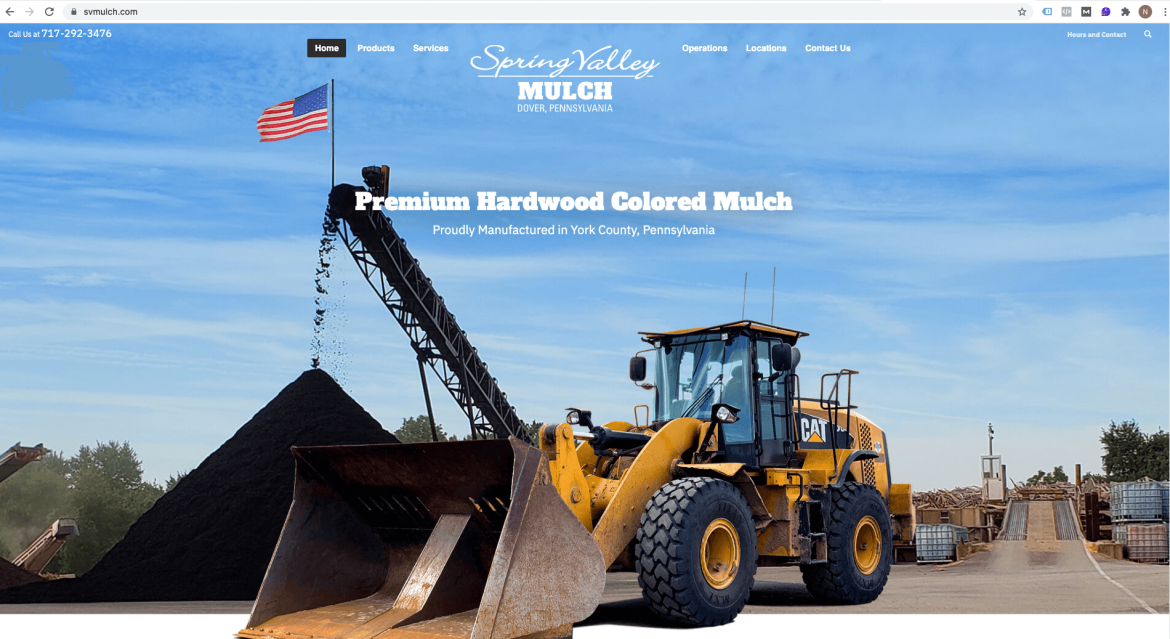
The new svmulch.com website is up and running. Brian and Wendy Klinger wanted a new look for their website and we delivered. A refreshed logo, fresh photography and a thought out site design, really highlight their business and capabilities. The new site is easy to use and looks fantastic and we’re looking forward to see
- Published in Spring Valley Mulch
Yorkshire Ministry Page Redesign
Monday, 07 December 2020
Below are some quick videos outlining how you would go about redesigning a page, creating a new page and content for a ministry group. Please forgive the video production value, which is admittedly just above nil ; )
- Published in Yorkshire Church

Updating Kallyas Pagebuilder Smart Area Footer and Social Media Links in Header
Monday, 30 November 2020
Update the contact information in the footer Go to Page Builder Smart Areas in the Dashboard, click the Edit with Zion builder button in the footer section: Once the footer section is open in Page Builder, you can make any changes you need to the footer. To change the Facebook link, hover over the icons
- Published in Yorkshire Church
Changing Covid Banner using Page Builder Smart Areas
Monday, 02 November 2020
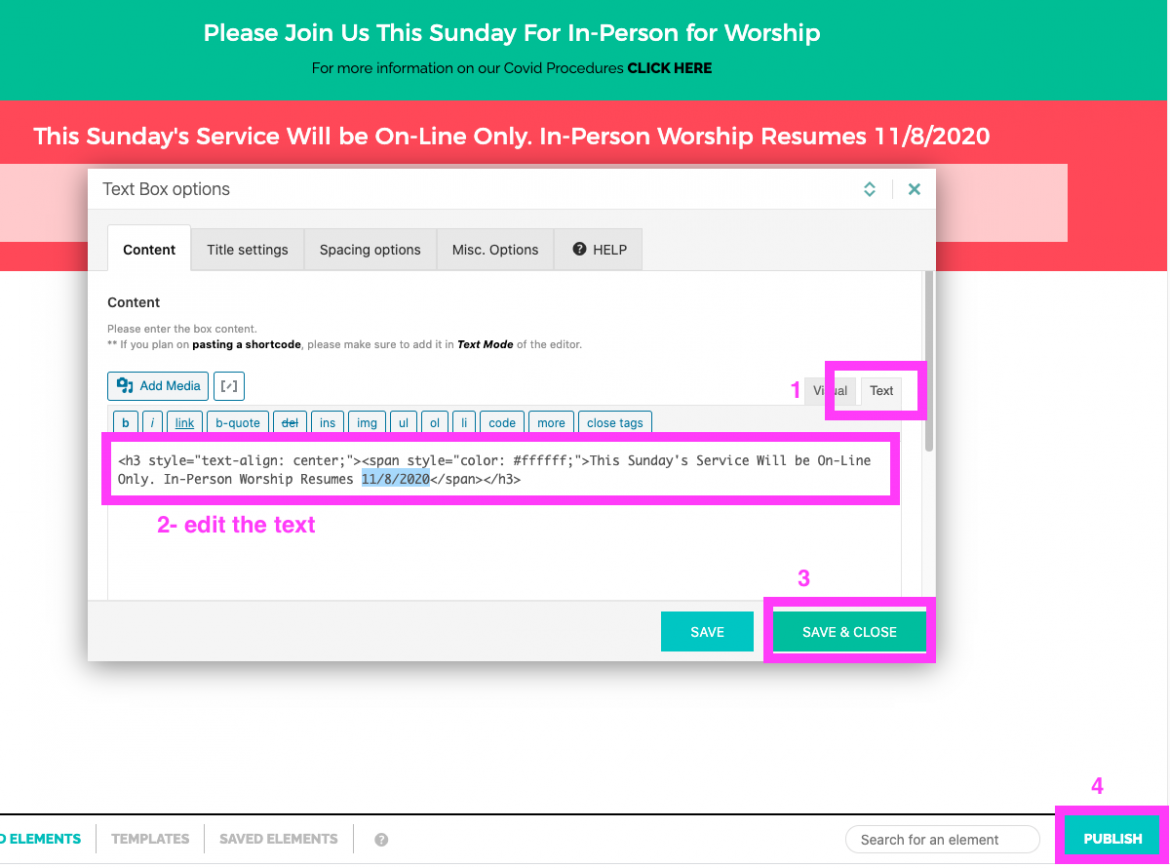
Log into the dashboard and go to Kallyas Theme Options> Smart Areas Change the first Smart Area to use to either Green or Red Status (the Smart Area location on header should already be set to “Before header”) and then click the Save options button. If you want to hid the banners completely, just change
- Published in Yorkshire Church
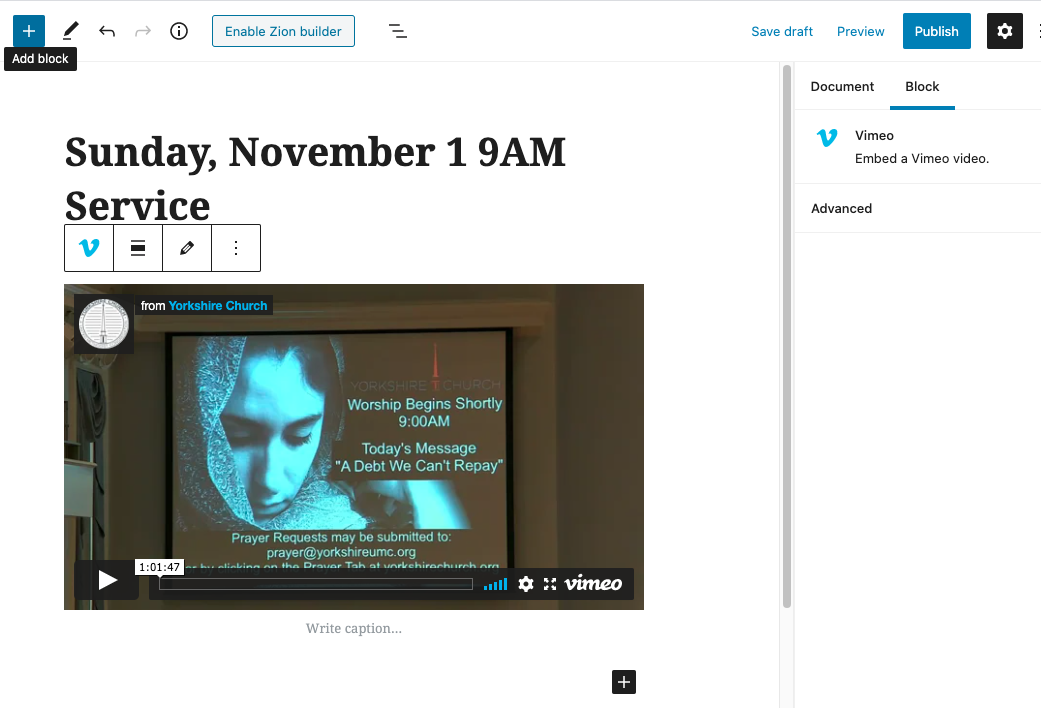
Adding Vimeo Video to Blog Post
Friday, 30 October 2020
Start by creating a new post. Give your post a title, check the category box and then click Save draft. You do not have to Enable Zion builder to do a blog post, you can use the WordPress Blocks editor to make things fast and simple. Click the plus box and search for “vimeo” and
- Published in Yorkshire Church
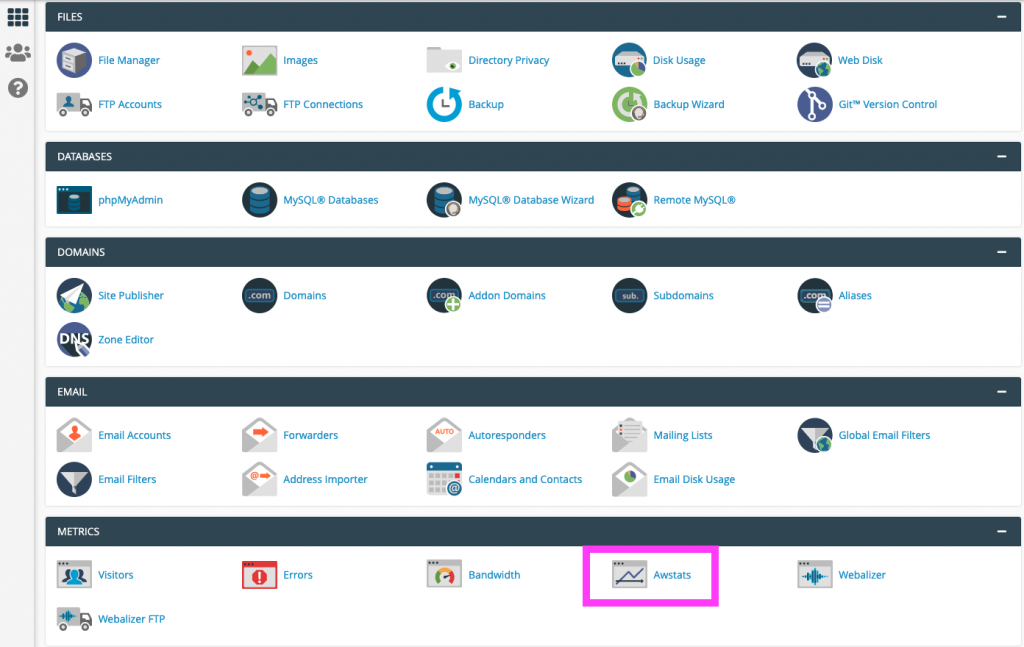
Checking Awstats in cPanel
Wednesday, 21 October 2020
Login to cPanel using the admin credentials and go to Metrics>Awstats. The click the view button to load the stats.
- Published in GWS Scholarship Fund
Adding Content via PageBuilder instead of WordPress Editor
Tuesday, 20 October 2020
- Published in Yorkshire Church
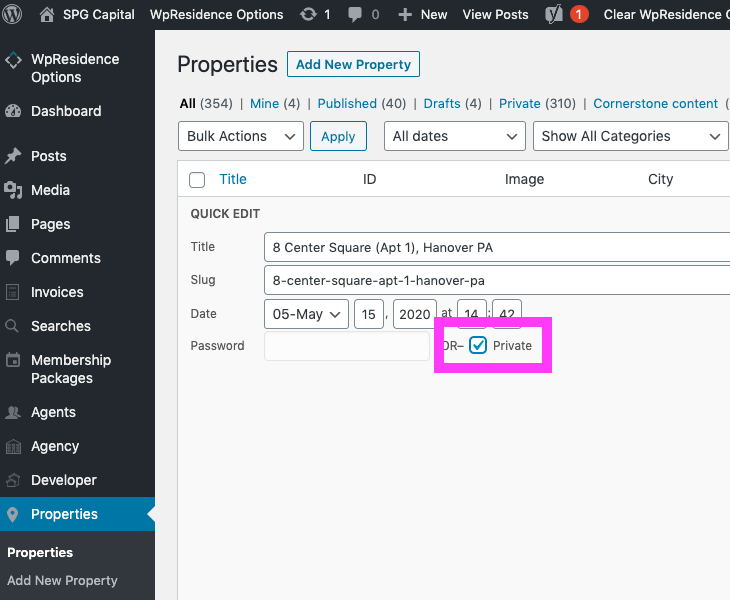
Deactivate a Property Listing in WordPress WP-Residence Theme
Friday, 22 May 2020
To hide a property that has been rented or sold from the front-end, log in and go to Properties in the Dashboard and find the property you want to hide, click Quick Edit. Check the box beside Private. Click update and the property is hidden from the public. Now crack open a cold one, you
- Published in SPG Capital

On-the-fly Composite Product Image Over Background Proof of Concept Test
Friday, 08 May 2020
- Published in Uncategorized
List of PA Essential Businesses and Businesses Open by Type
Thursday, 19 March 2020
From abc27.com and current as of 3/19/2020 6:15PM The images are not very high resolution, but are the best currently available. [SLGF id=687]
- Published in Uncategorized

Looking to buy the domain landoskydistributors.com?
Wednesday, 11 December 2019
We buy and sell domains. To buy a domain from us, email tech@yorkwebtech.com with the domain you are interested in and we’ll be happy to work with you.
- Published in Domains for Sale
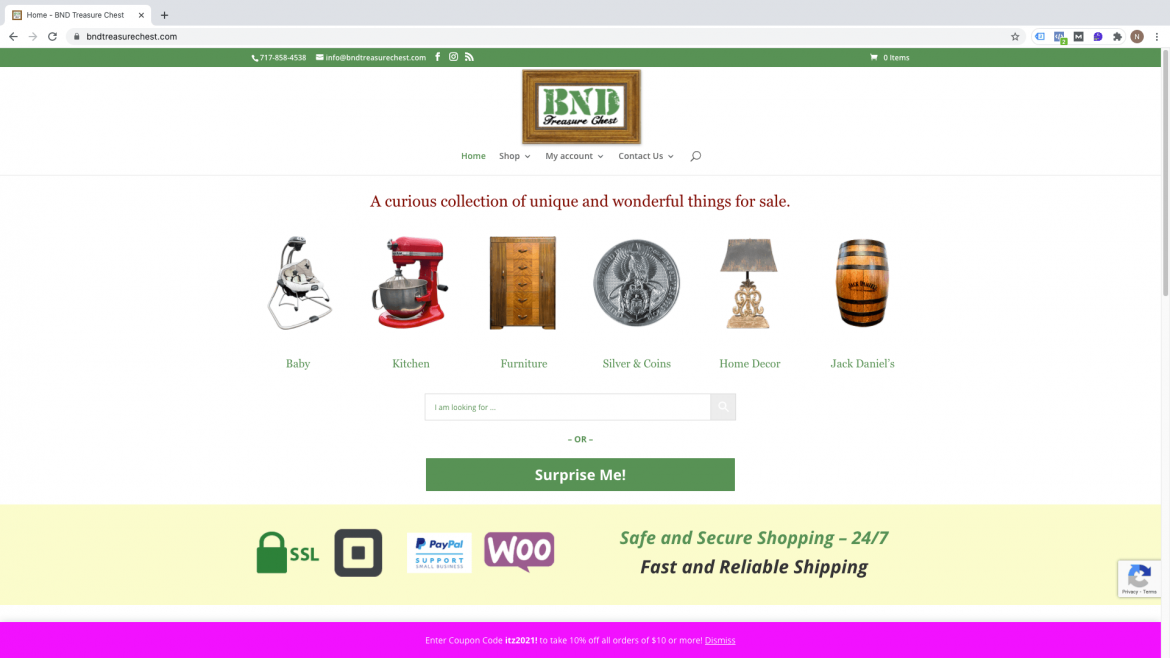
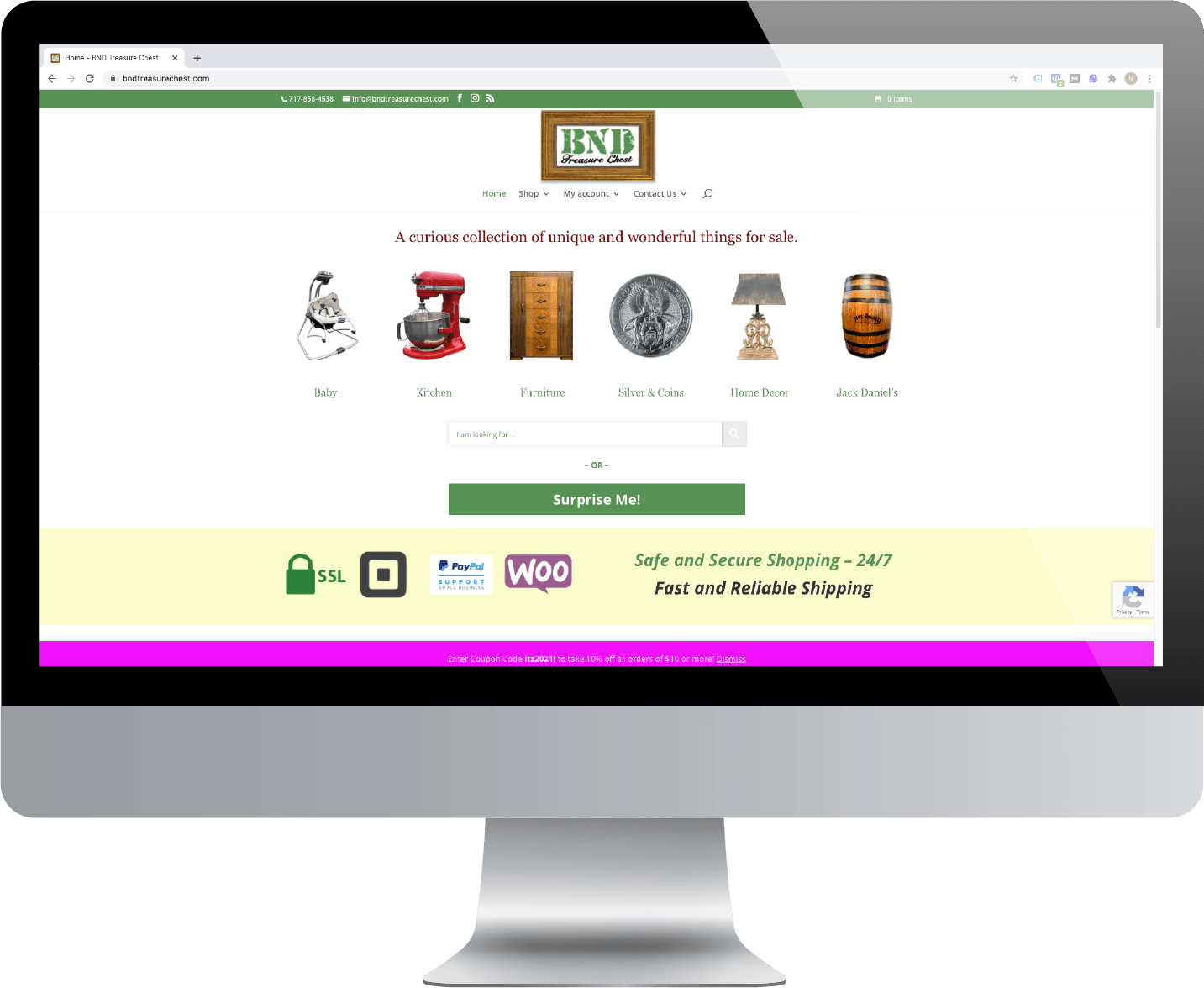
How to Import your Latest eBay listings into your WordPress WooCommerce site
Wednesday, 06 November 2019
After creating your new eBay listings, you have to import them to WooCommerce to make them available for sale on your site. Login to the WordPress Dashboard and navigate to eBay>Import from eBay and click “Run Import”. When the import is finished, click the “Close Window” button. Easy peasy. To find out more about how
- Published in BnD Treasure Chest
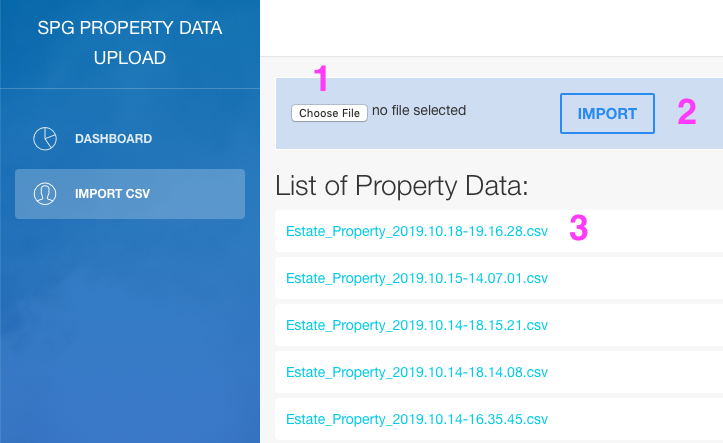
Accessing Detailed Property Descriptions via Custom Web Application Instructions
Monday, 21 October 2019
QUICK START Have a clean, properly formatted .csv list to input the properties you are going to look up. Zip codes are not required. We recommend no more than 100-150 properties per .csv file request. Divide any list of properties over 150 into multiple .csv files, if necessary. For help formatting your data or exporting
- Published in SPG Capital
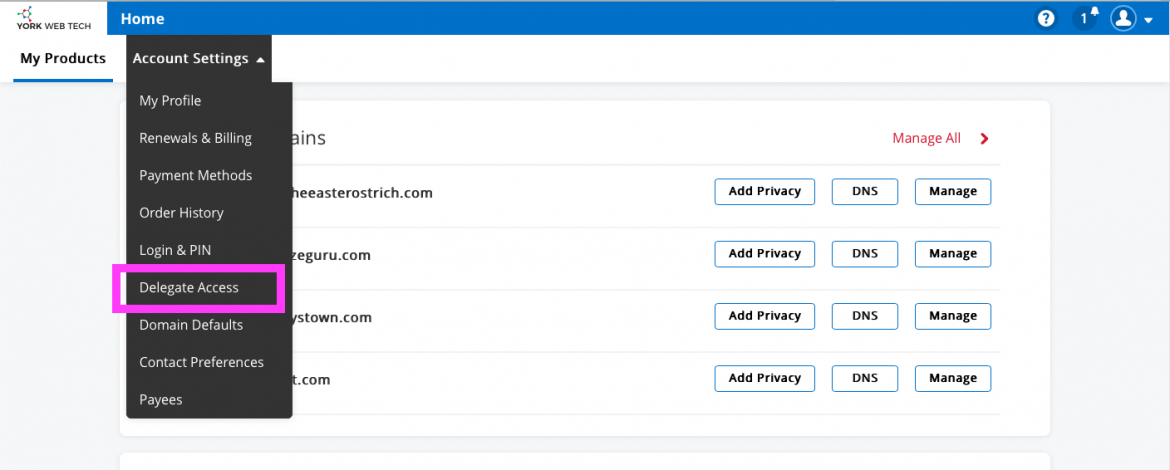
Assigning Delegate Access to your Products on shop.yorkwebtech.com
Tuesday, 24 September 2019
When you purchase a product or service from shop.yorkwebtech.com, you may need to give us access in order to set up and maintain them. This is a very easy process … First, login to your account at shop.yorkwebtech.com and then navigate to main menu Account Settings > Delegate Access and click the menu link. Click
- Published in BnD Treasure Chest