
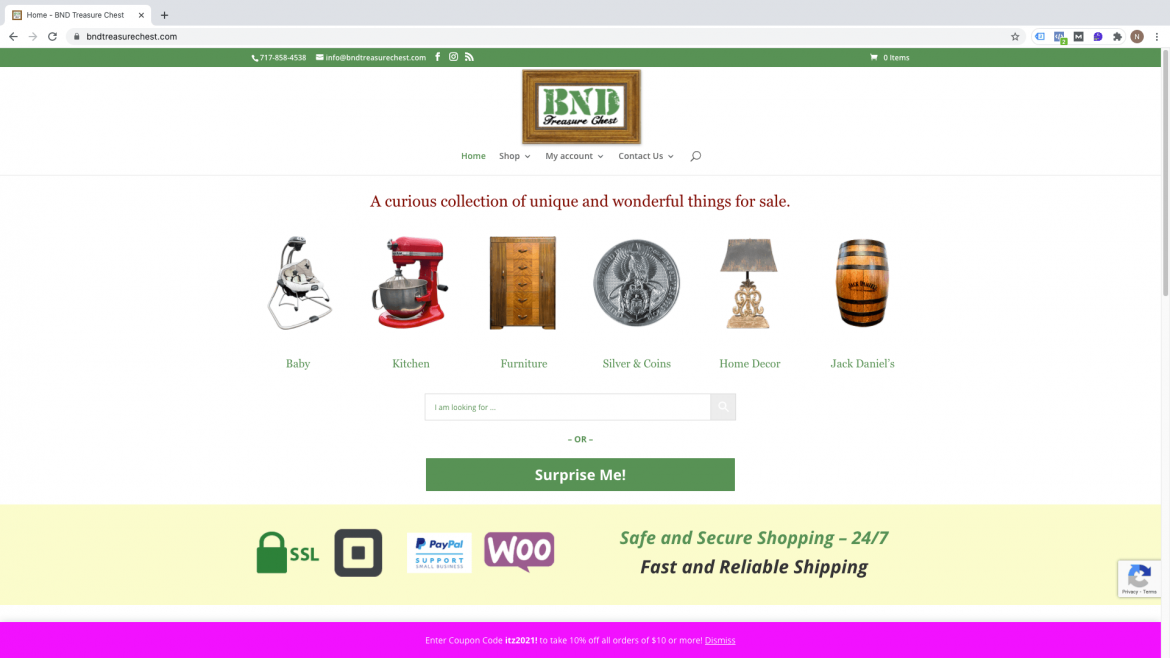
How to Import your Latest eBay listings into your WordPress WooCommerce site
Wednesday, 06 November 2019
After creating your new eBay listings, you have to import them to WooCommerce to make them available for sale on your site. Login to the WordPress Dashboard and navigate to eBay>Import from eBay and click “Run Import”. When the import is finished, click the “Close Window” button. Easy peasy. To find out more about how
- Published in BnD Treasure Chest
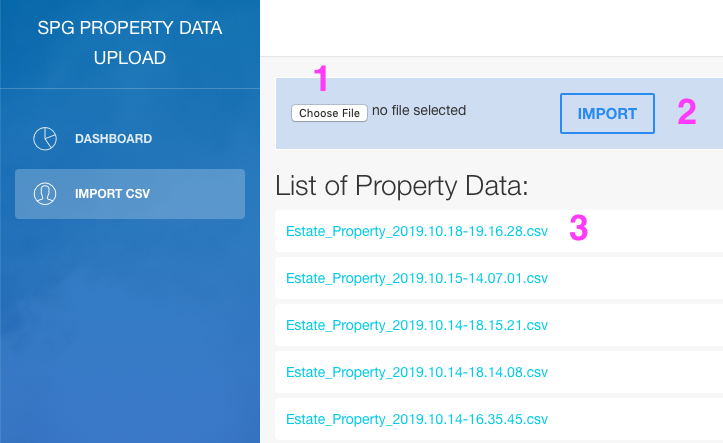
Accessing Detailed Property Descriptions via Custom Web Application Instructions
Monday, 21 October 2019
QUICK START Have a clean, properly formatted .csv list to input the properties you are going to look up. Zip codes are not required. We recommend no more than 100-150 properties per .csv file request. Divide any list of properties over 150 into multiple .csv files, if necessary. For help formatting your data or exporting
- Published in SPG Capital
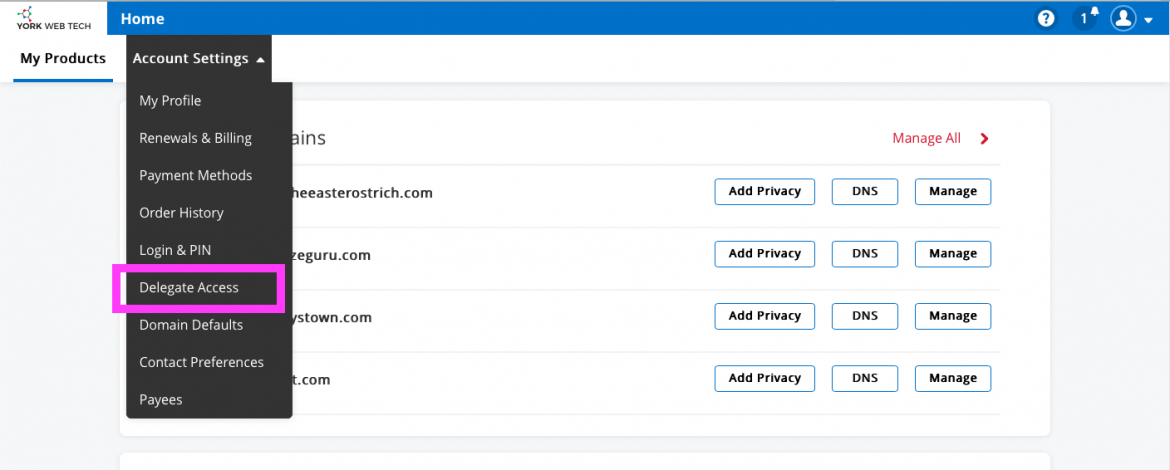
Assigning Delegate Access to your Products on shop.yorkwebtech.com
Tuesday, 24 September 2019
When you purchase a product or service from shop.yorkwebtech.com, you may need to give us access in order to set up and maintain them. This is a very easy process … First, login to your account at shop.yorkwebtech.com and then navigate to main menu Account Settings > Delegate Access and click the menu link. Click
- Published in BnD Treasure Chest

New site coming soon for All Trans TTS of West York, PA.
Friday, 06 September 2019
A sneak peek to see how the sausage gets made. We did the truck photography and the site design, All Trans provided most of the copy and what service they wanted to emphasize. All Trans also provided the logo and a copy of their latest billboard image. Now that the basic idea has been worked
- Published in All Trans TTS

How to add a Google review for Heavenly Landscaping, Hanover’s best lawn care and landscaper service!
Friday, 02 August 2019
Creating a Google review is easy and goes a long way to helping small businesses get noticed and gain more customers. Your support is always appreciated! To help us out, please go to Google.com and sign in if you already have an account. If you don’t have an account, you can add one later. Do
- Published in Heavenly Landscaping

Add a New Property to spg-realestate.com
Friday, 02 August 2019
Login to spg-realestate.com and go to Properties>Add New Property Add property details and choose appropriate property category and action (if you choose the sub category, the property will automatically belong to the parent category, only check one box per category or action): Choose appropriate pet policy and city and add further property details: You can
- Published in SPG Capital
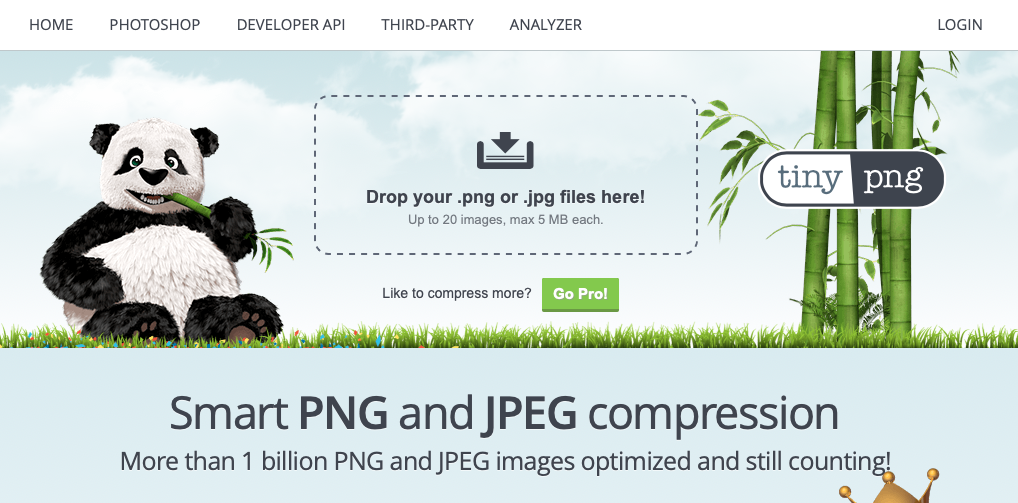
Using tinypng WordPress plugin for image size optimization
Thursday, 25 April 2019
To utilize and automate server-side image compression, we recommend TinyPNG ‘s plugin for WordPress. It’s ease of use (removing a step from Photoshop processing of images for upload to WordPress) and amazing compression algorithm make it a no-brainer for any website, especially one that uses a lot of images vs text. When you upload your
- Published in SPG Capital

Image file naming for Google SEO
Thursday, 18 April 2019
One of the most important things about images and SEO is that images are mostly exempt from the popularity contest part of the regular Google search results. So even if your site isn’t ranking super high in the regular search, you can do well in the image searches with little effort. I’m also pretty confident
- Published in Schooner Bay Co
Update or link Product Images in Woocommerce
Friday, 05 April 2019
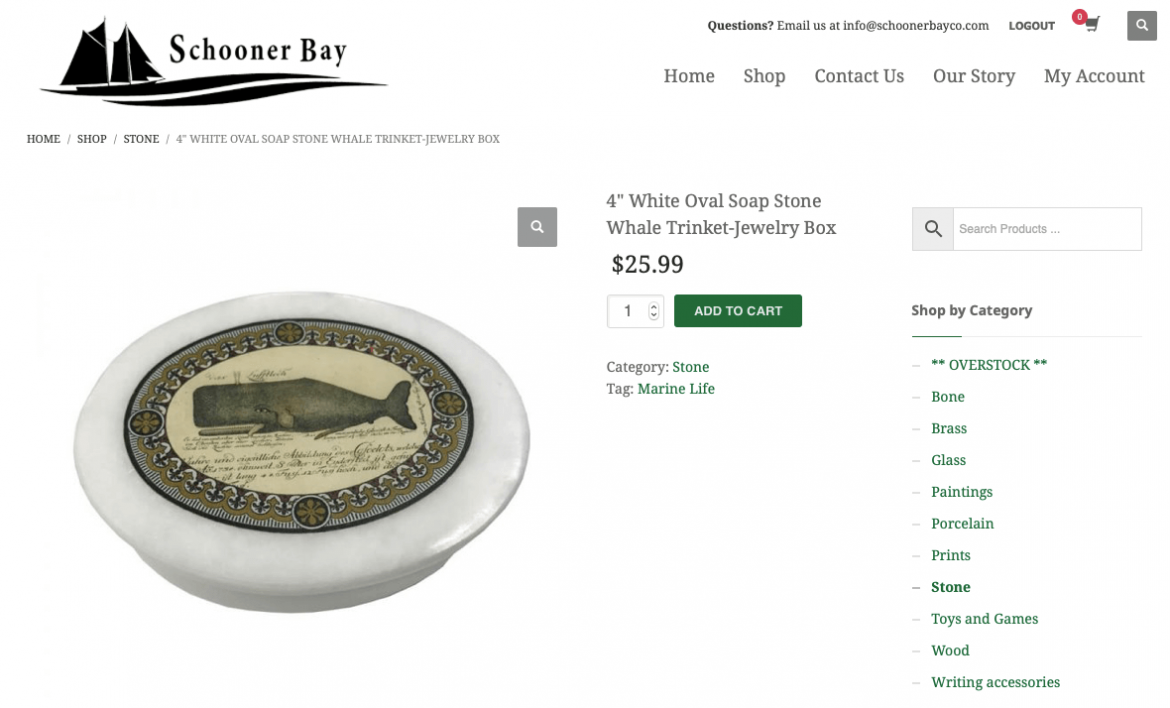
Be sure you have properly processed your product images for upload. If you need help to do a bulk upload of images, see this previous post on how to upload images to WordPress. To update or link product images, choose the product you would like to edit. From the WordPress Dashboard>click Products and then click
- Published in Schooner Bay Co
Bulk upload Product images to Woocommerce
Friday, 05 April 2019
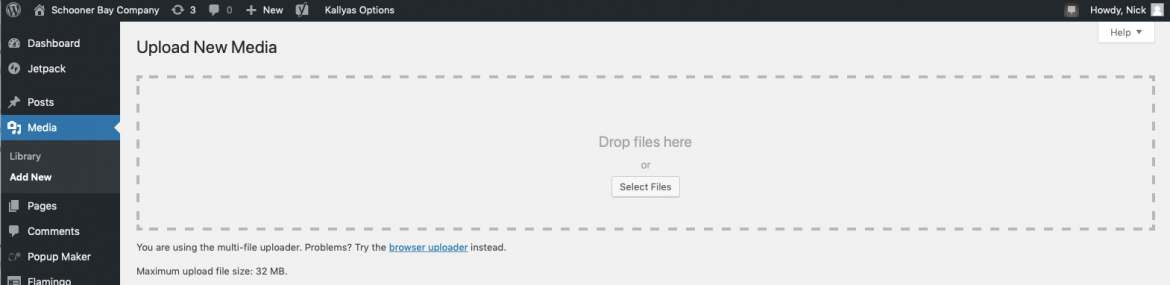
Prepare you images for upload. For help processing and compressing them for upload, refer to our previous post: In the WordPress Admin Dashboard, co to Media> click Add New. You will see the Upload New Media screen and the “Drop files here” box. You can also click the Select Files button if you have trouble
- Published in Schooner Bay Co