York Web Technologies

  • Home
  • Our Blog
  • Domains
  • Hosting
  • Contact Us
  • Home
  • Our Blog
  • Clients
  • Schooner Bay Co
  • Bulk upload Product images to Woocommerce
January 2, 2026

Bulk upload Product images to Woocommerce

Bulk upload Product images to Woocommerce

by Nick / Friday, 05 April 2019 / Published in Schooner Bay Co

Prepare you images for upload. For help processing and compressing them for upload, refer to our previous post:

Using Photoshop actions and Tinypng plugin to batch resize images for WordPress upload

In the WordPress Admin Dashboard, co to Media> click Add New. You will see the Upload New Media screen and the “Drop files here” box. You can also click the Select Files button if you have trouble dragging and dropping the images.
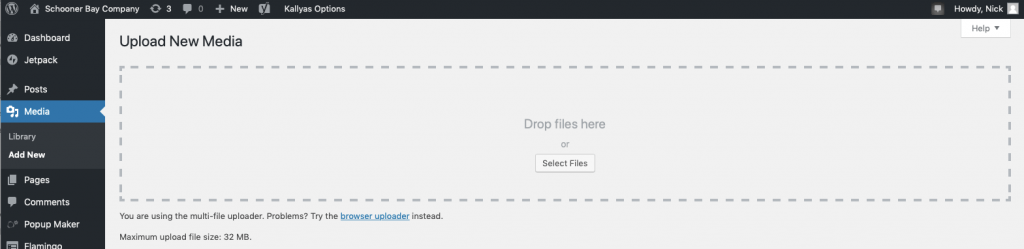
Open your processed and compressed image folder on your computer.
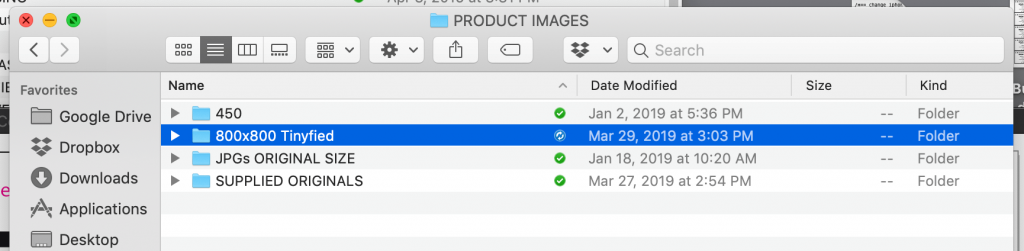
It best to do this in batches to minimize transfer errors. Select anywhere from about 30-80 images (depending on your image sizes and upload speed) and then drag them into the “Drop files here” box on the WordPress Upload New Media window in your browser.
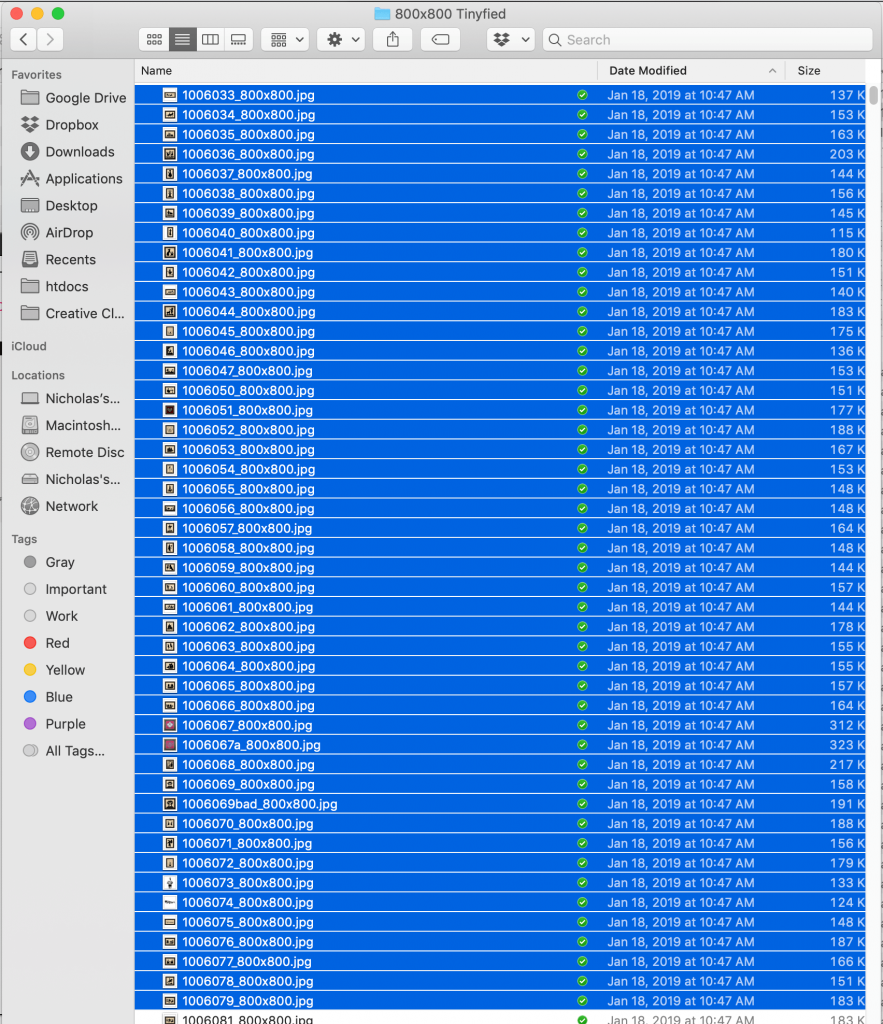

Watch the magic happen …

When that batch is finished, rinse, and repeat (refresh the Add New Media screen using your browser refresh button and then select the next batch of images to drag them to the New Media uploader until you have finished).

To add them to your Product listings in Woocommerce, see my next post …
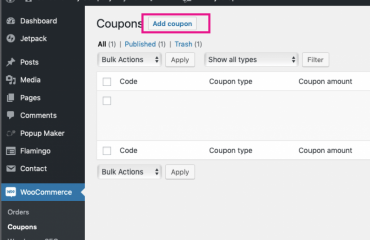
Update or link Product Images in Woocommerce
Tagged under: SchoonerbaySOP, Tutorial, Woocommerce

About Nick

Nicholas Lamb is the Operating Partner of York Web Technologies, LLC.

What you can read next

WooCommerce Order Processing
Schoonerbayco.com order refund processing
Image file naming for Google SEO

Our Blog

  • Clients
    • Abottstown Industries
    • All Trans TTS
    • Blasser Security
    • BnD Treasure Chest
    • GWS Scholarship Fund
    • Heavenly Landscaping
    • Hostetter Supply
    • Integrity Tech Recycling
    • Mountaintop Lighting
    • RackRoiz
    • Schooner Bay Co
    • SPG Capital
    • Spring Valley Mulch
    • Steinmetz Coins & Currency
    • Stony Run Brew House
    • Yates Consulting
    • Yorkshire Church
  • Domains for Sale
  • Jobs
  • Law and Regulatory Changes
  • Mac Tutorials
  • Uncategorized
  • YorkWebTech Services
    • GoDaddy Tutorials

Recent Posts

  • Blasser Security website screen cap

    Blasser Security

    Blasser is an independent and locally-owned sec...
  • screen cap of domain forwarding in GoDaddy

    How to transfer a domain from a non-GoDaddy registrar account to your GoDaddy account

    To transfer a domain from a non-GoDaddy registr...
  • trumpplumbingandheating.com home page screen cap

    Trump Plumbing & Heating

    We would like to welcome Trump Plumbing and Hea...
  • Google Ads Disclosure

    If we administer Google ads on your behalf, her...
  • integrity tech recycling screen cap

    Integrity Tech Recycling

    We are happy to announce the launch of integrit...

York Web Technologies, LLC

PO Box 21472
York, PA 17402
tech@yorkwebtech.com

Google Advertising Guide: Working with Third Parties

Privacy Policy

Accessibility Statement

© 2026 York Web Technologies LLC. All rights reserved.

TOP